Your front desk at a glance
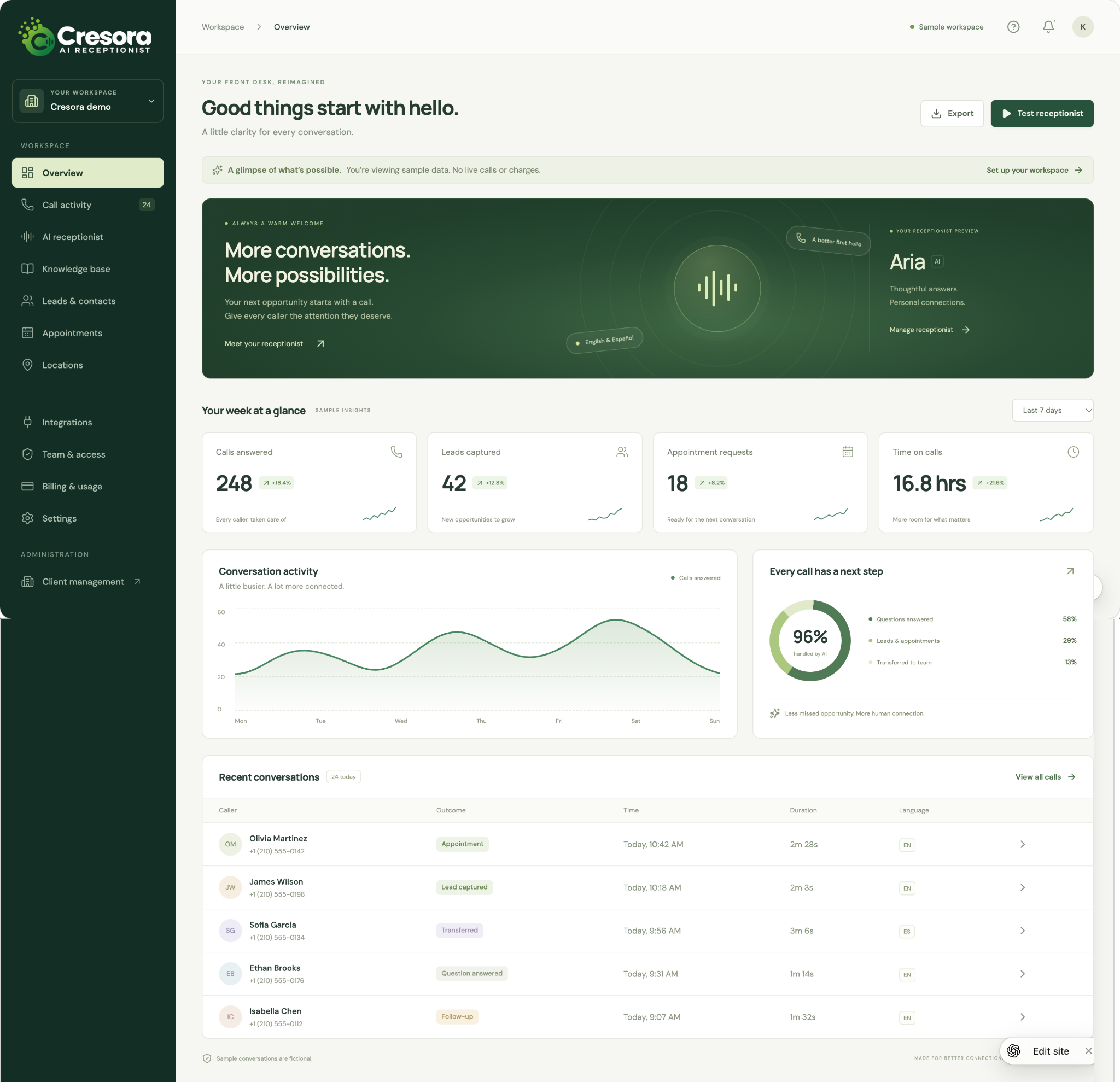
See how conversations become opportunities. The overview brings together call activity, captured leads, appointment requests, and recent conversations so your team can quickly see what needs attention.
The figures and callers shown are sample data.
A voice that feels like your business
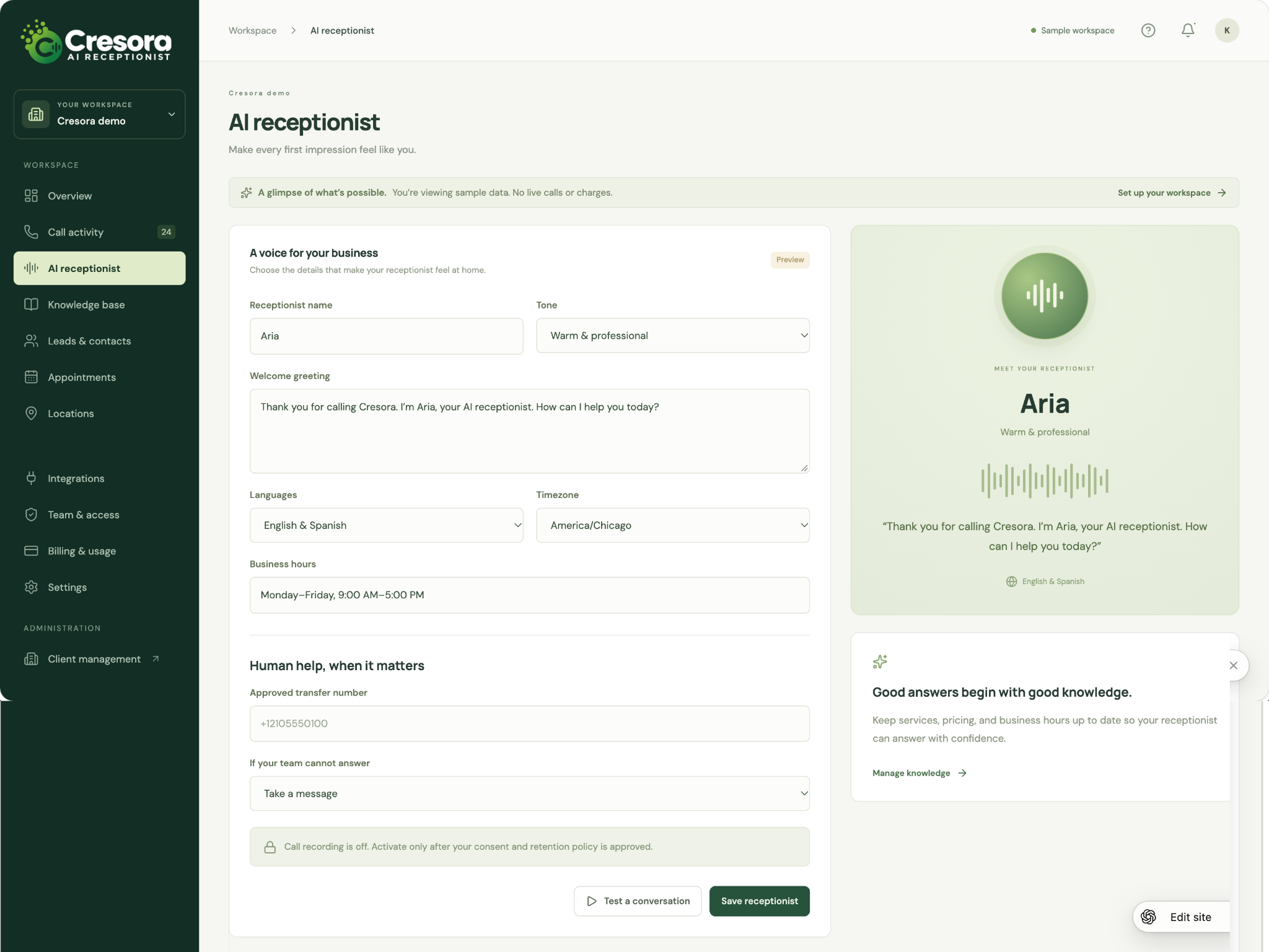
Shape the first impression with a receptionist name, conversational tone, and welcome greeting. The configuration screen brings languages, business hours, time zone, transfer destinations, and fallback handling together in one place.
Preview the experience before activating your agreed call flow.
Keep the right answers close
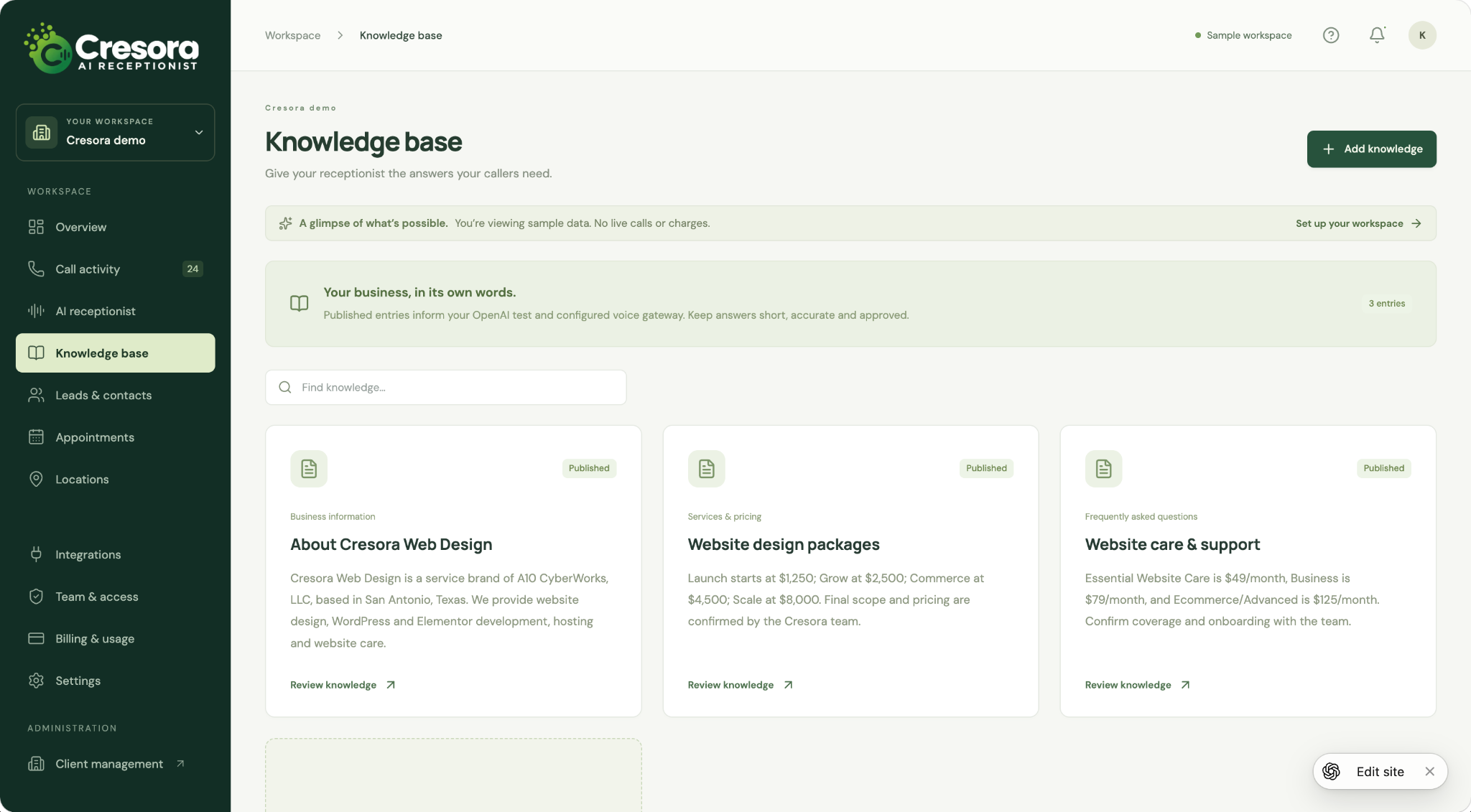
Organize business information, services, pricing, and frequently asked questions into clear knowledge entries. Search and review published information so your receptionist can work from the details your team approves.
Business knowledge is maintained in editable entries within the app.
Turn good conversations into next steps
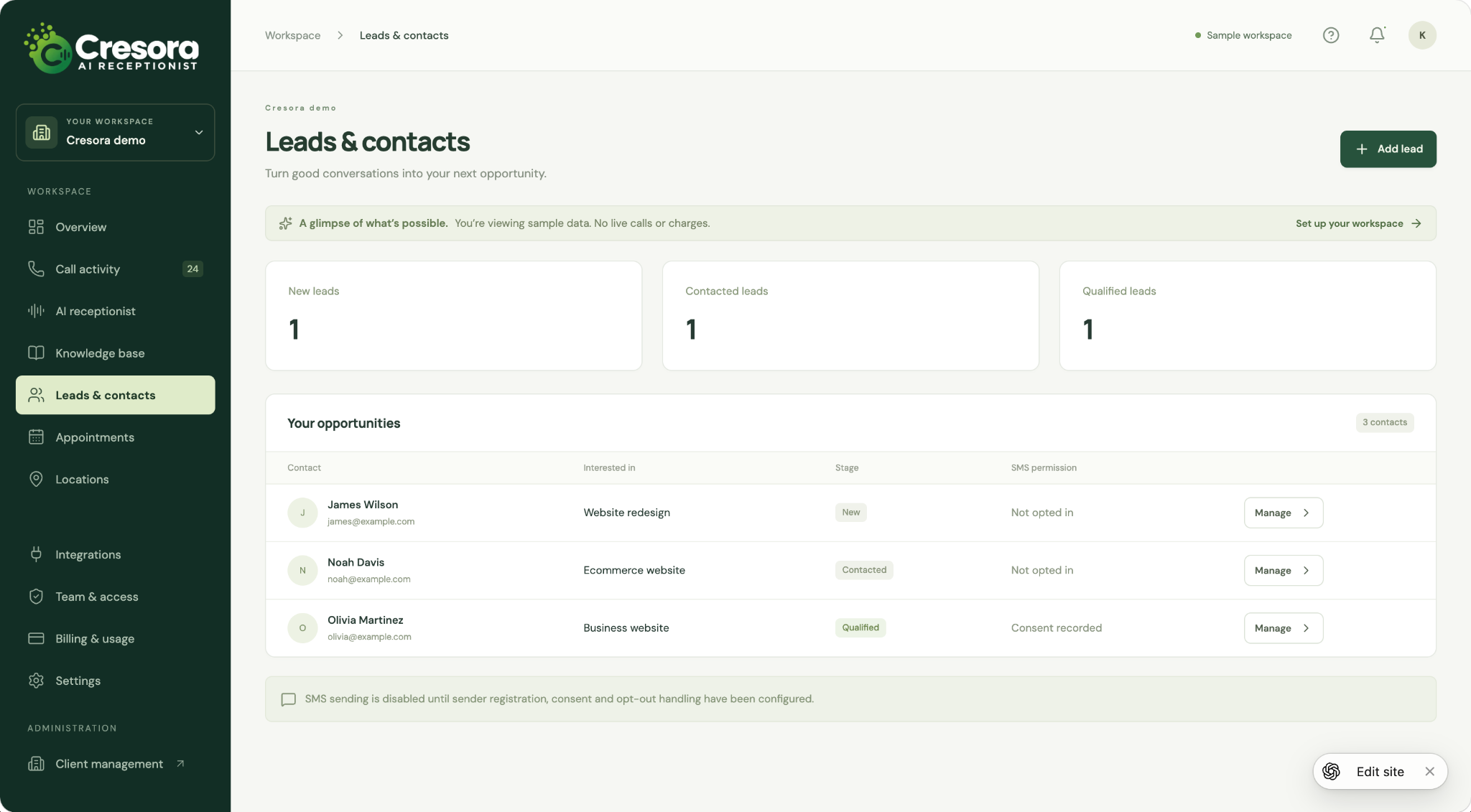
Keep contacts, service interests, and follow-up stages organized in one workspace. The leads view separates new, contacted, and qualified opportunities and shows recorded SMS permission alongside each contact.
Sample contacts illustrate the workflow; messaging depends on configured sender and consent handling.
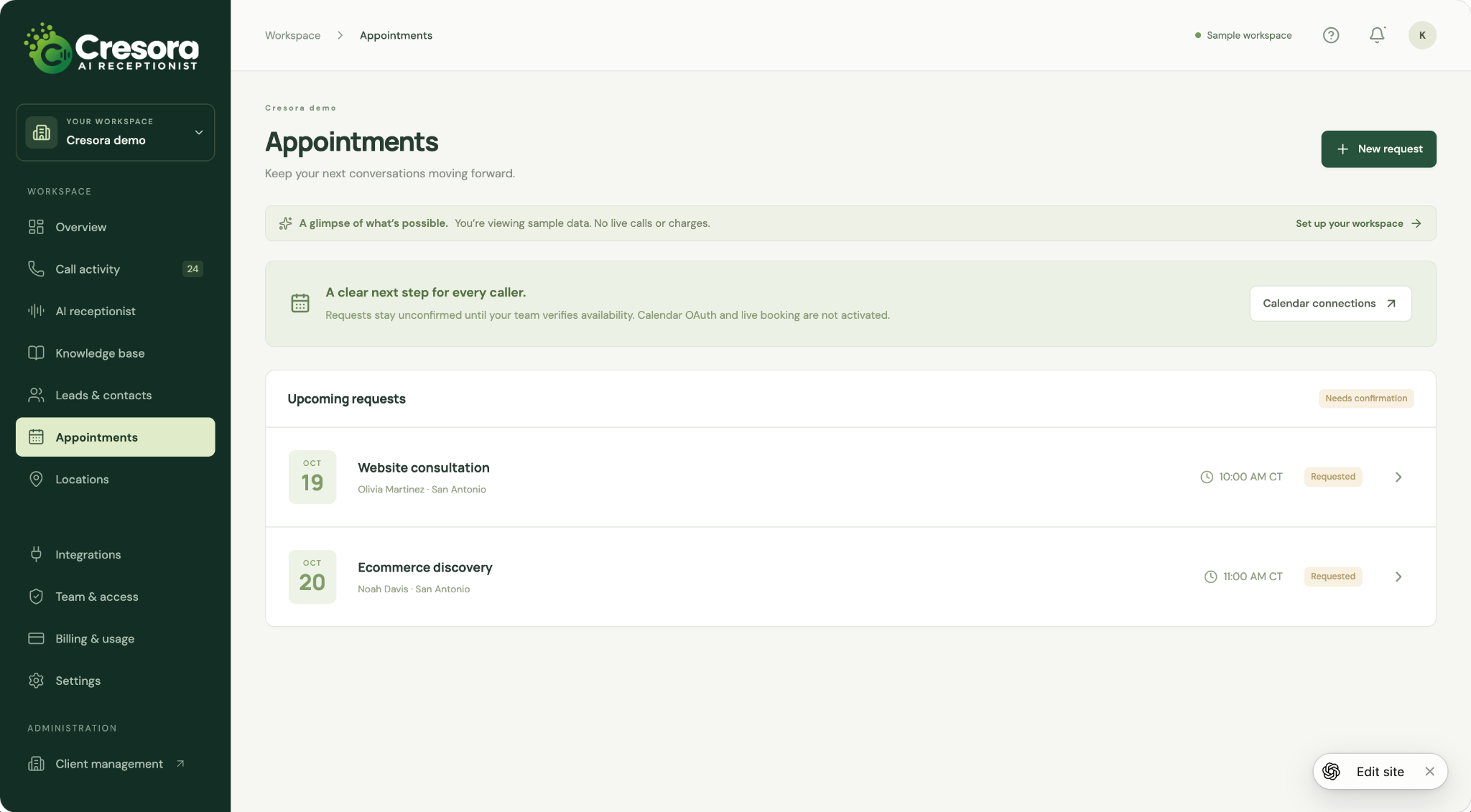
Give appointment requests a clear next step
Bring upcoming requests into an easy-to-review list with the requested service, caller, location, and time. Your team can review availability and confirm the next conversation without losing the context of the inquiry.
The sample shows appointment requests awaiting confirmation; live calendar booking is not activated.
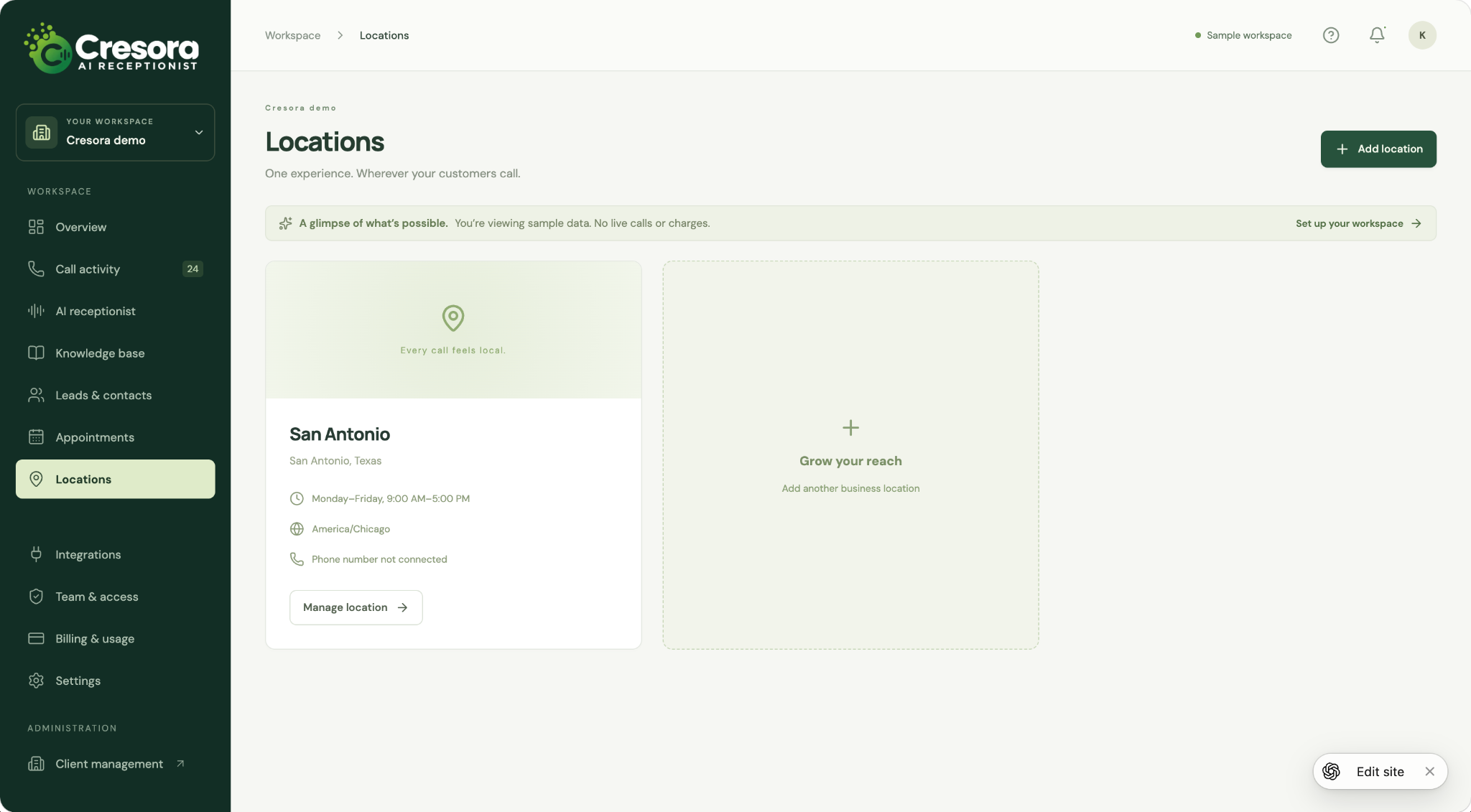
A local experience, wherever callers reach you
Keep location details, opening hours, time zones, and phone connection status organized as your business grows. Review each location from a central workspace to support consistent information and routing.
The screenshot shows a sample San Antonio location.
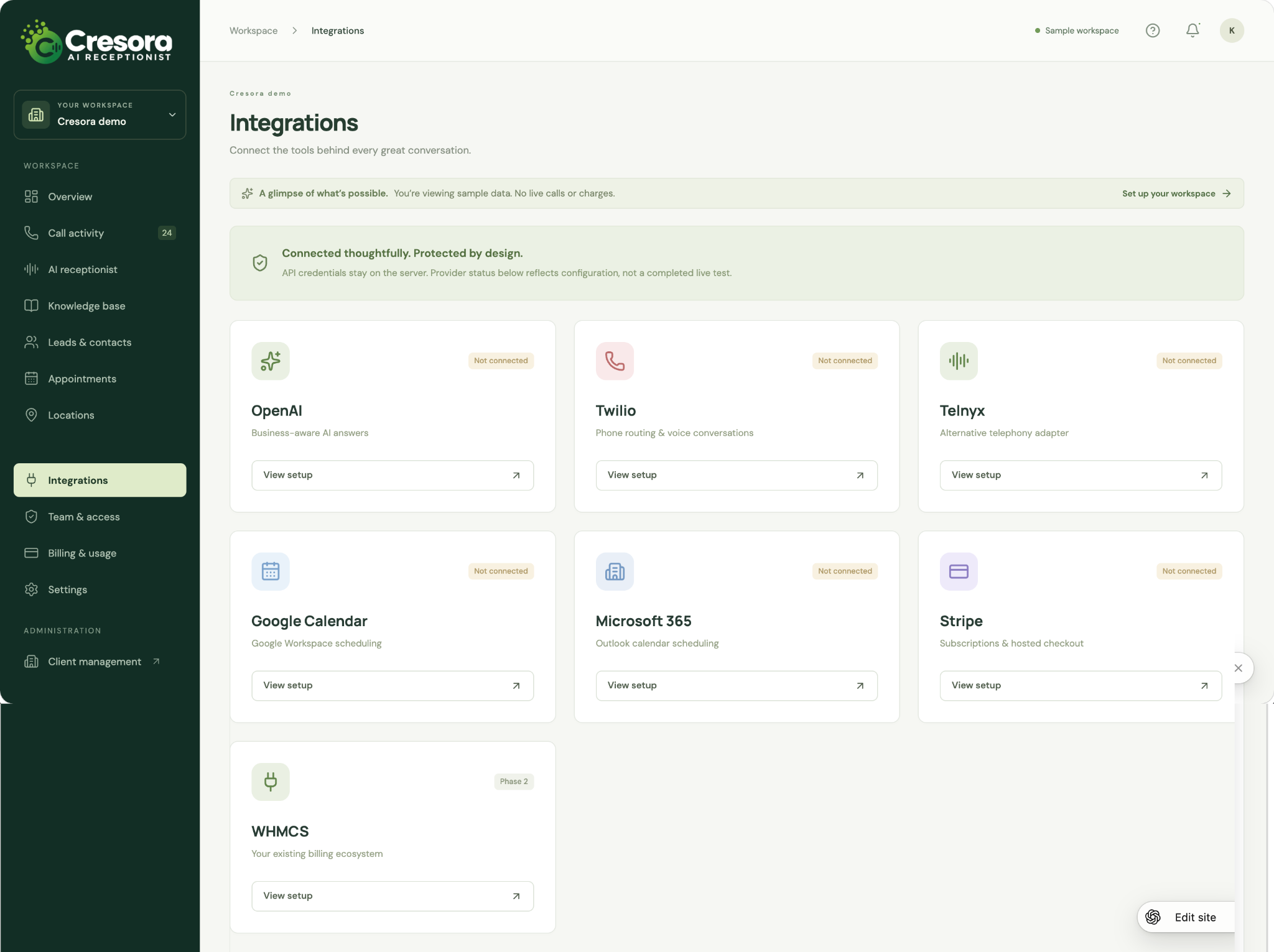
Bring your call workflow and tools together
Review the setup areas for AI, telephony, calendars, and billing in one place. The sample includes OpenAI, Twilio, Telnyx, Google Calendar, Microsoft 365, and Stripe, with WHMCS shown as a later phase.
Connections in this screenshot are not active; availability is confirmed during managed onboarding.
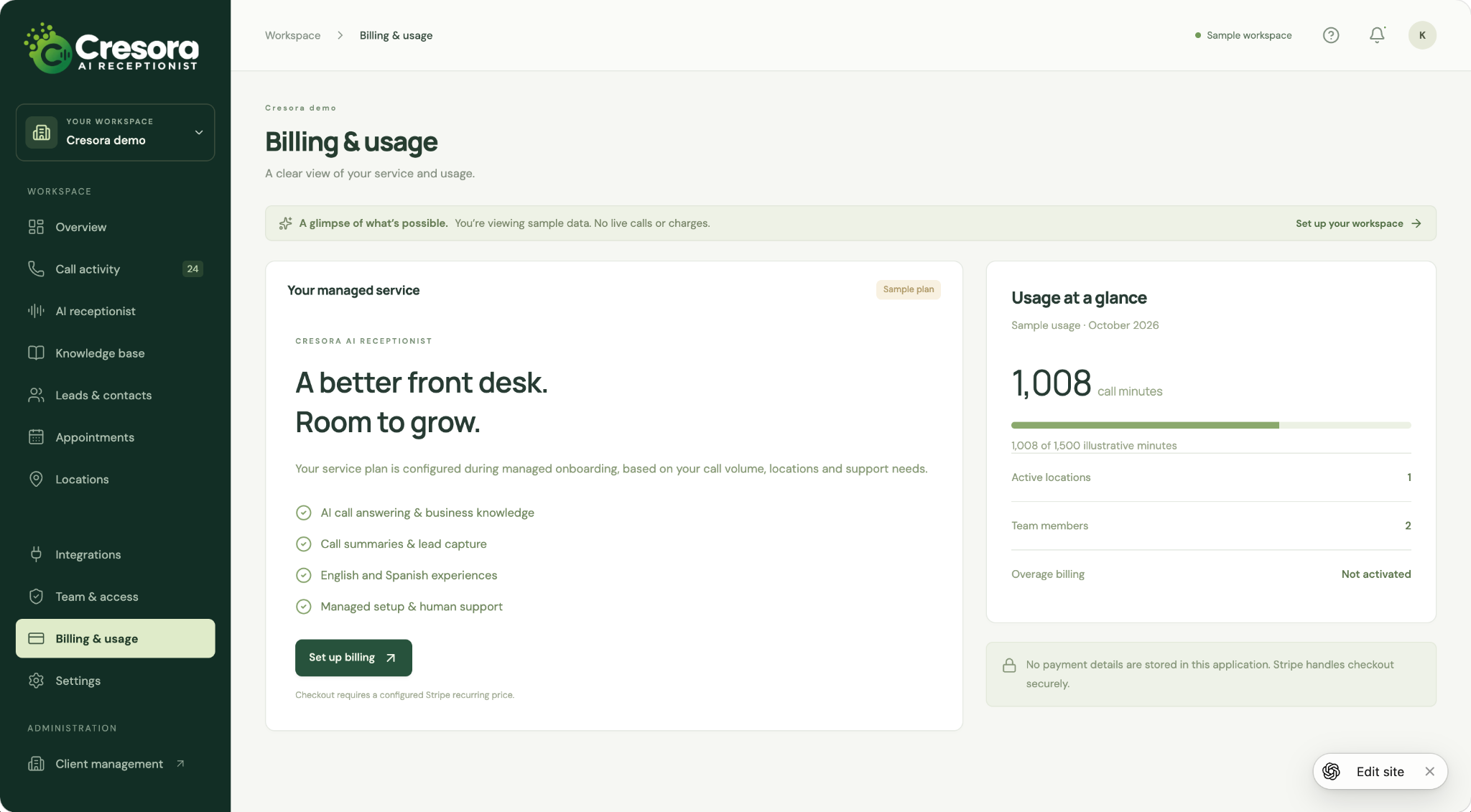
A clearer picture of your service and usage
Review the service overview alongside illustrative call-minute usage, active locations, and team size. The billing workspace is designed to keep plan setup and usage visibility together as your needs change.
The displayed plan and minutes are examples, not a pricing offer or live billing record.
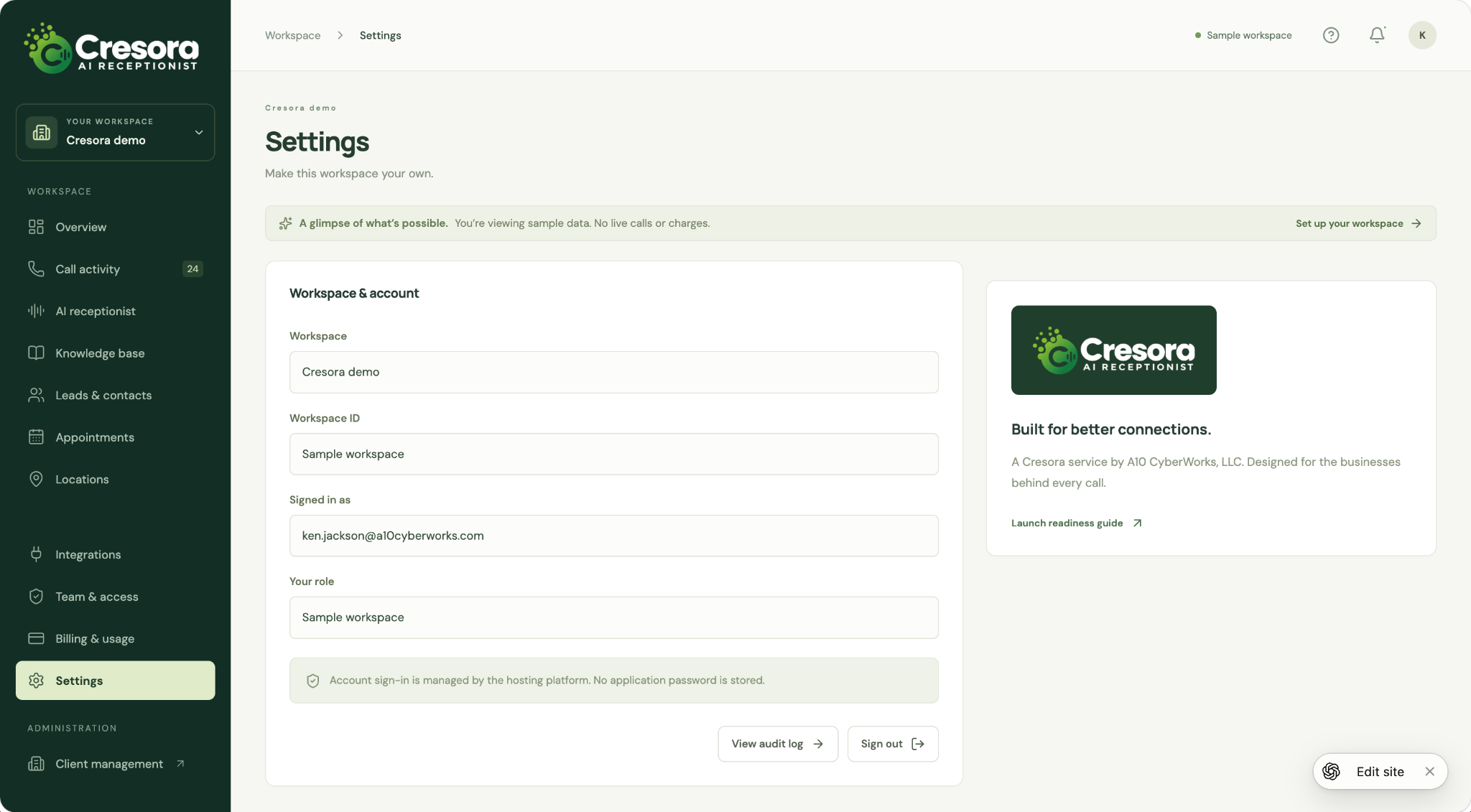
Keep workspace details in view
Review workspace identity, the signed-in account, and the available account actions from a dedicated settings screen. Links to the audit log and launch readiness guide keep operational details close at hand.
This screenshot shows the sample workspace settings.